Design resources3 min read
The 13 sites behind my React components and design inspiration
My working list, with screenshots — where I get component code I can ship, whole-site inspiration, single-block references, and motion ideas. Organized as a retrieval map, not a bookmark dump.
Bookmark folders are where taste goes to die. What works is a retrieval map: I need X, so I open Y — one destination per need. This is mine, screenshots included, in the exact categories I use it. The unglamorous rule that makes it valuable: for code, check the license; for inspiration, steal the principle, never the pixels.
Component code you can ship
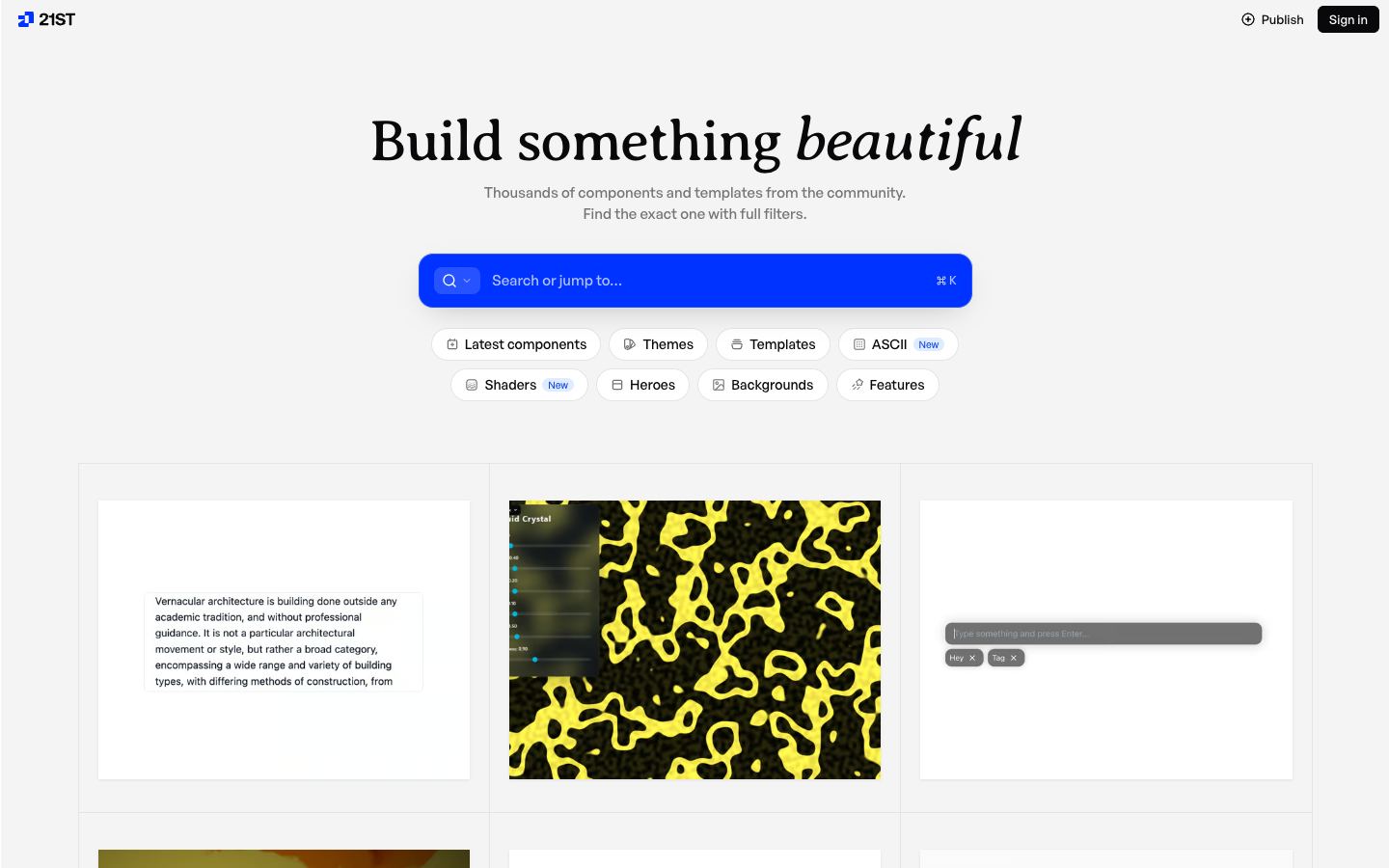
shadcn/ui (ui.shadcn.com) — the baseline. Copy-in components on accessible Radix primitives: you own the code the moment it enters your repo. Everything else in this section assumes it.
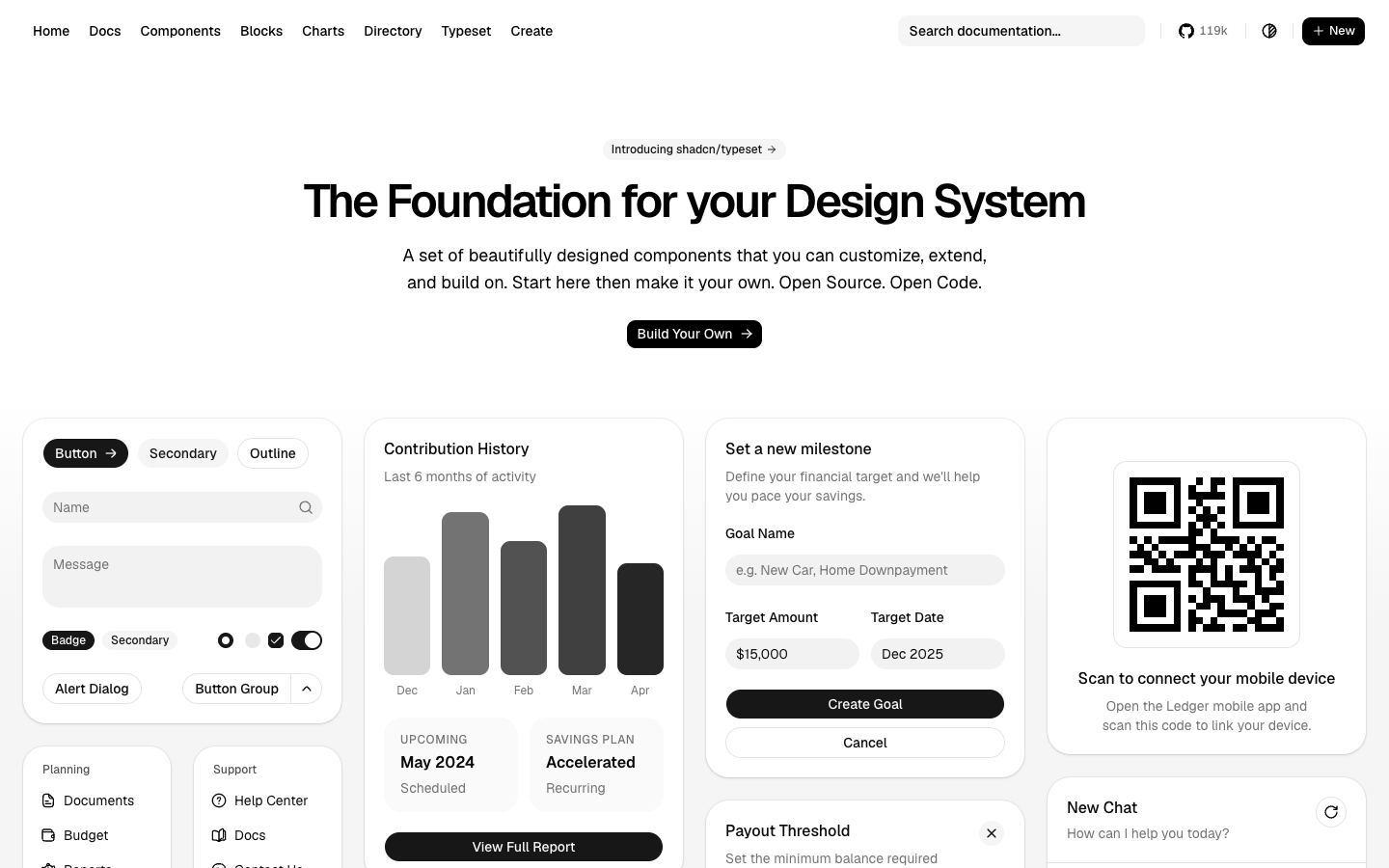
React Bits (reactbits.dev) — animated and creative components: text effects, backgrounds, interactive cards. MIT with Commons Clause — free in client work, no reselling the components themselves. Two of them ship on this very site, adapted to our tokens.
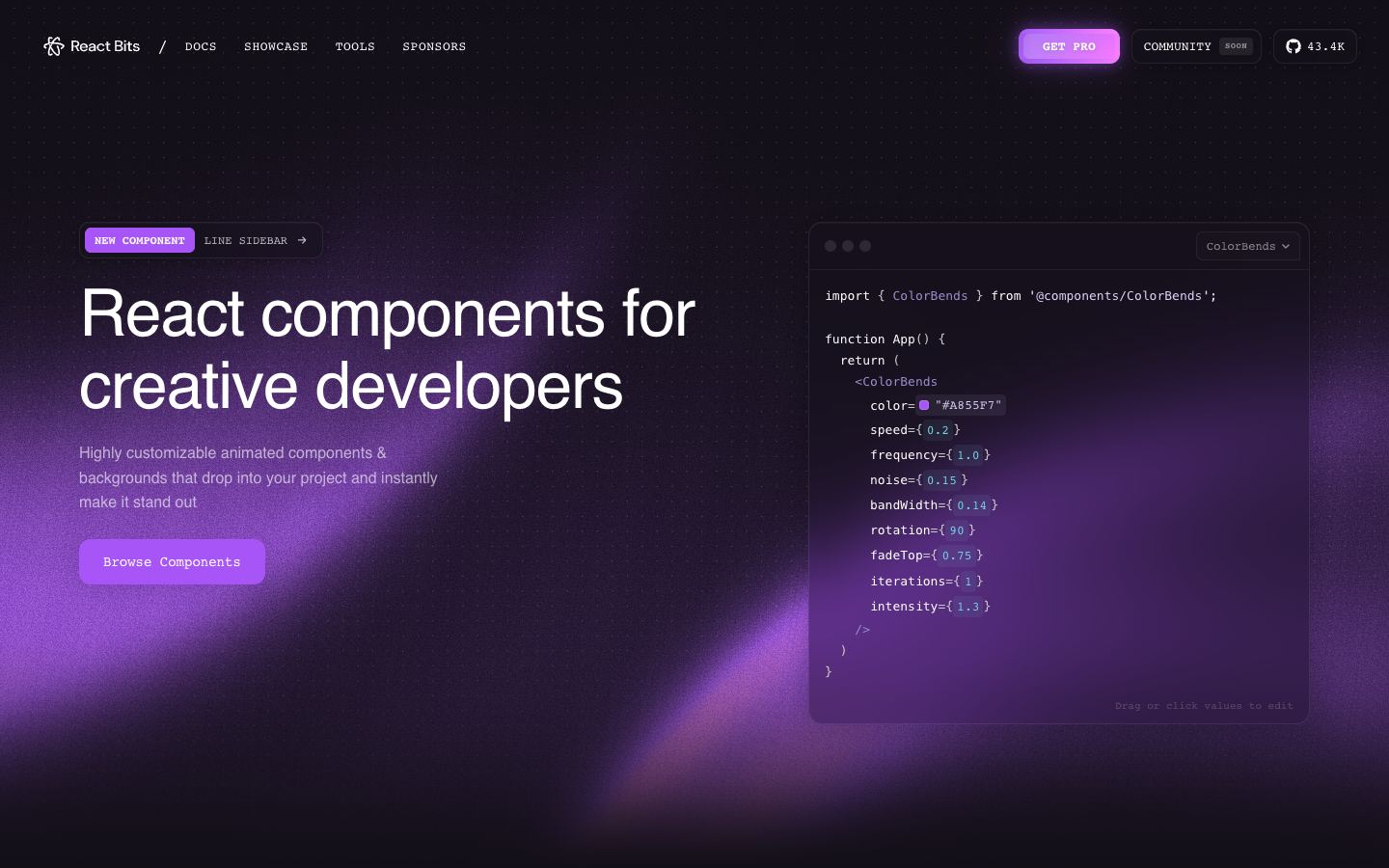
blocks.so (blocks.so) — free copy-paste application blocks on shadcn conventions: forms, auth screens, tables, sidebars. My first stop when an app screen needs to exist by tonight.
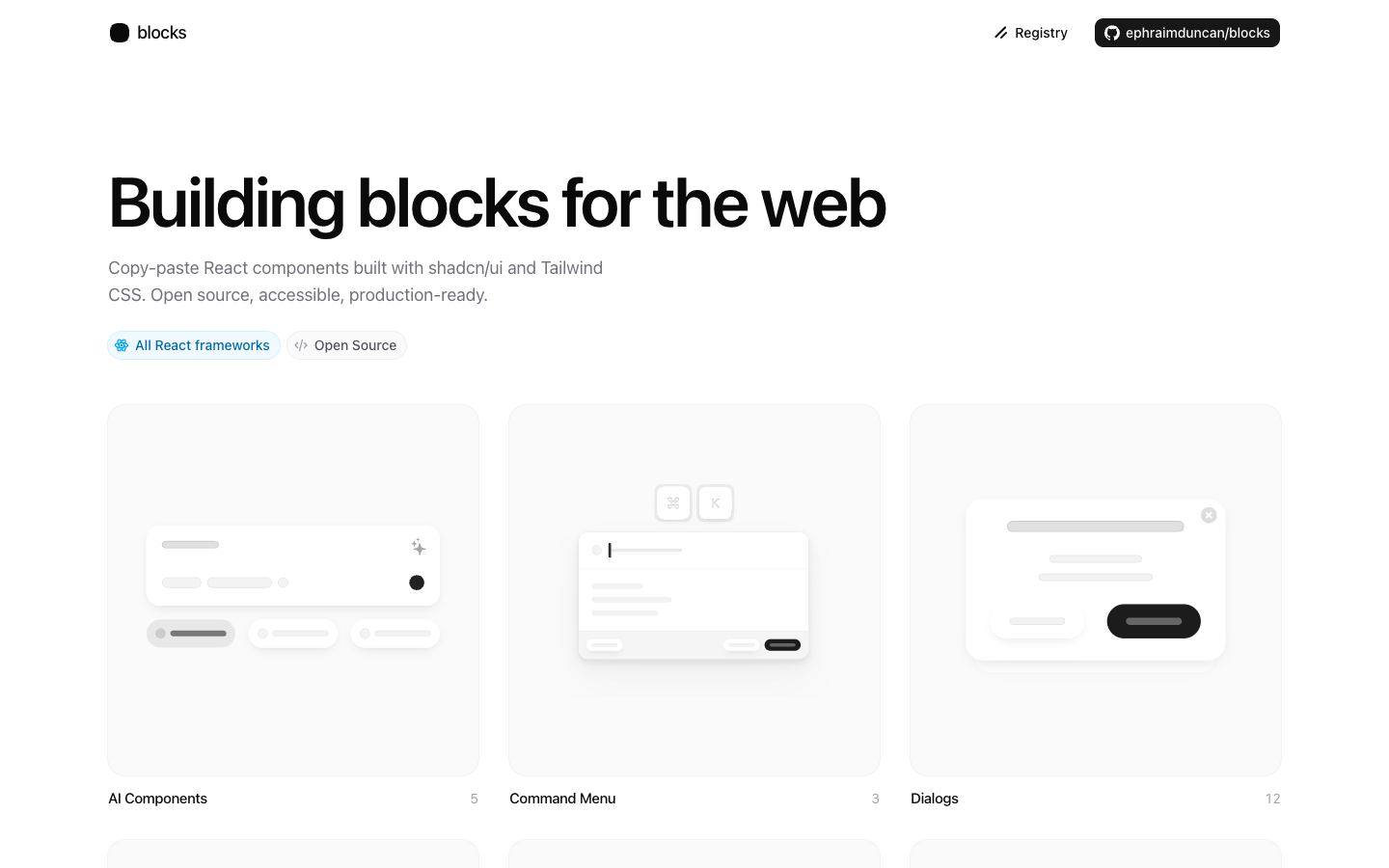
21st.dev (21st.dev) — a searchable community registry of shadcn-style components, with AI generation on top. Search it before hand-writing anything novel; someone has probably built the widget.
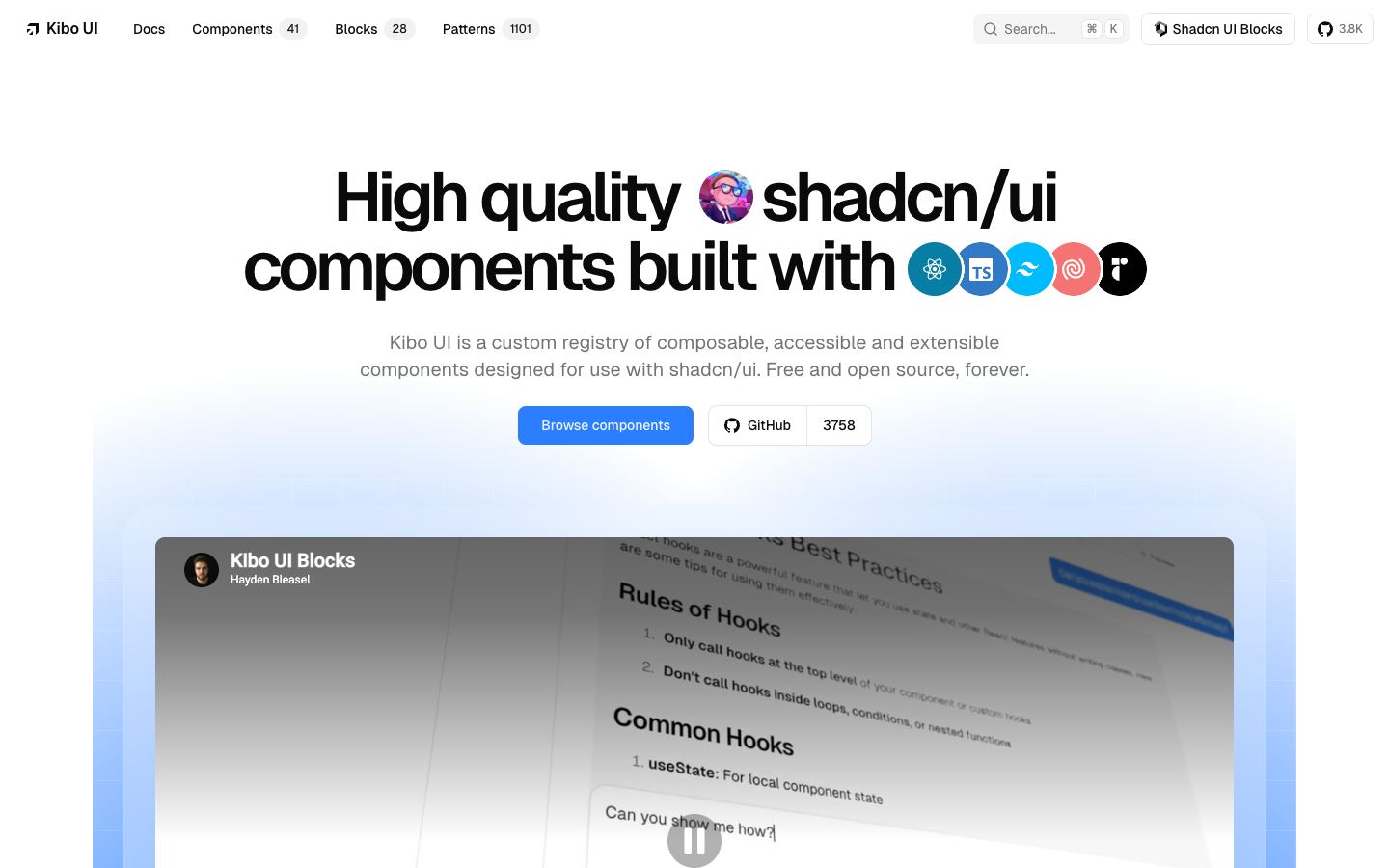
Kibo UI (kibo-ui.com) — the heavy artillery: Gantt charts, Kanban boards, editors, advanced tables. Free, installable through the shadcn CLI. These are the components you should almost never build from scratch.
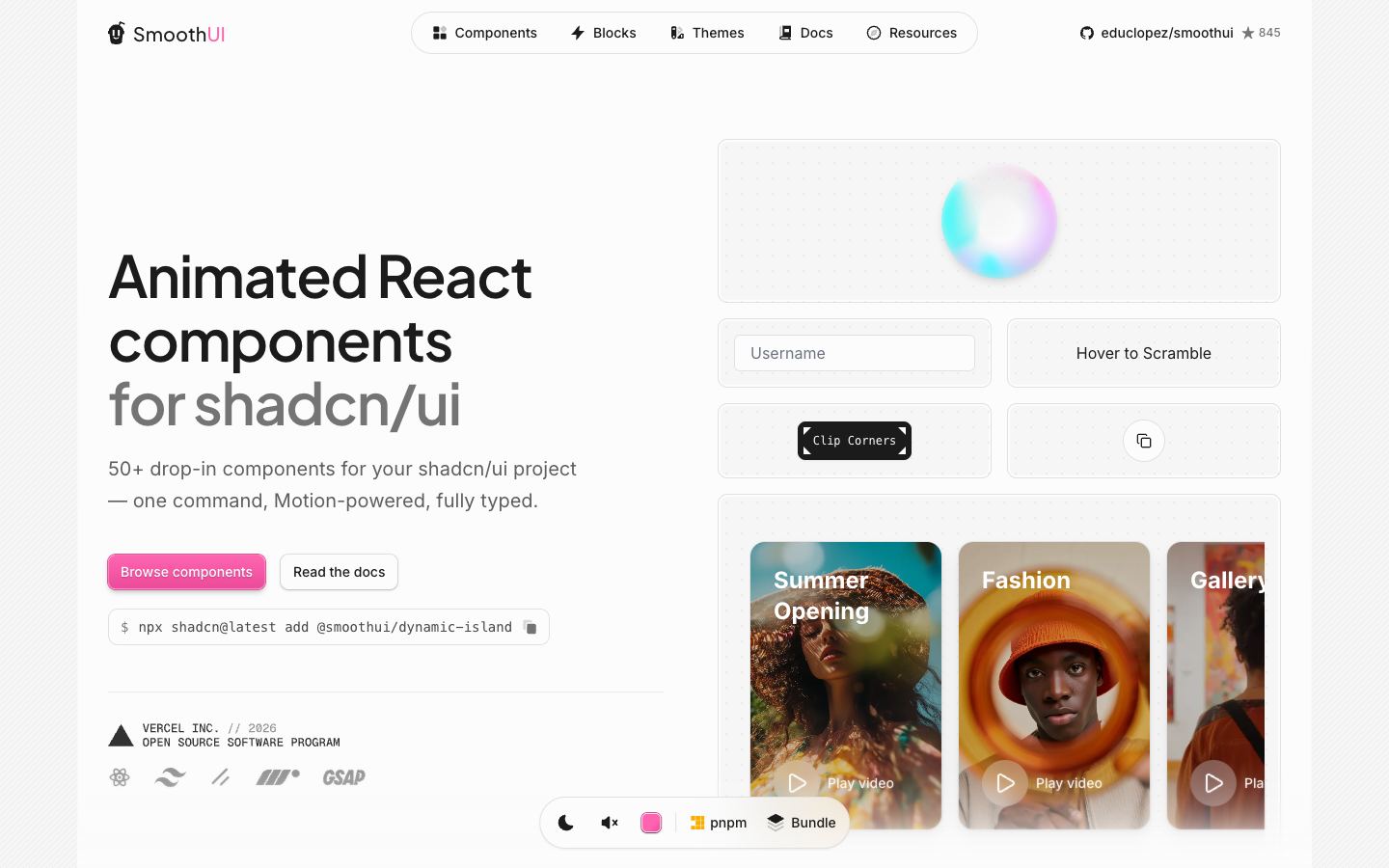
SmoothUI (smoothui.dev) — Motion-based animated components and micro-interactions, shadcn-registry compatible. When a screen works but feels dead, this is the catalog.
Whole-site inspiration
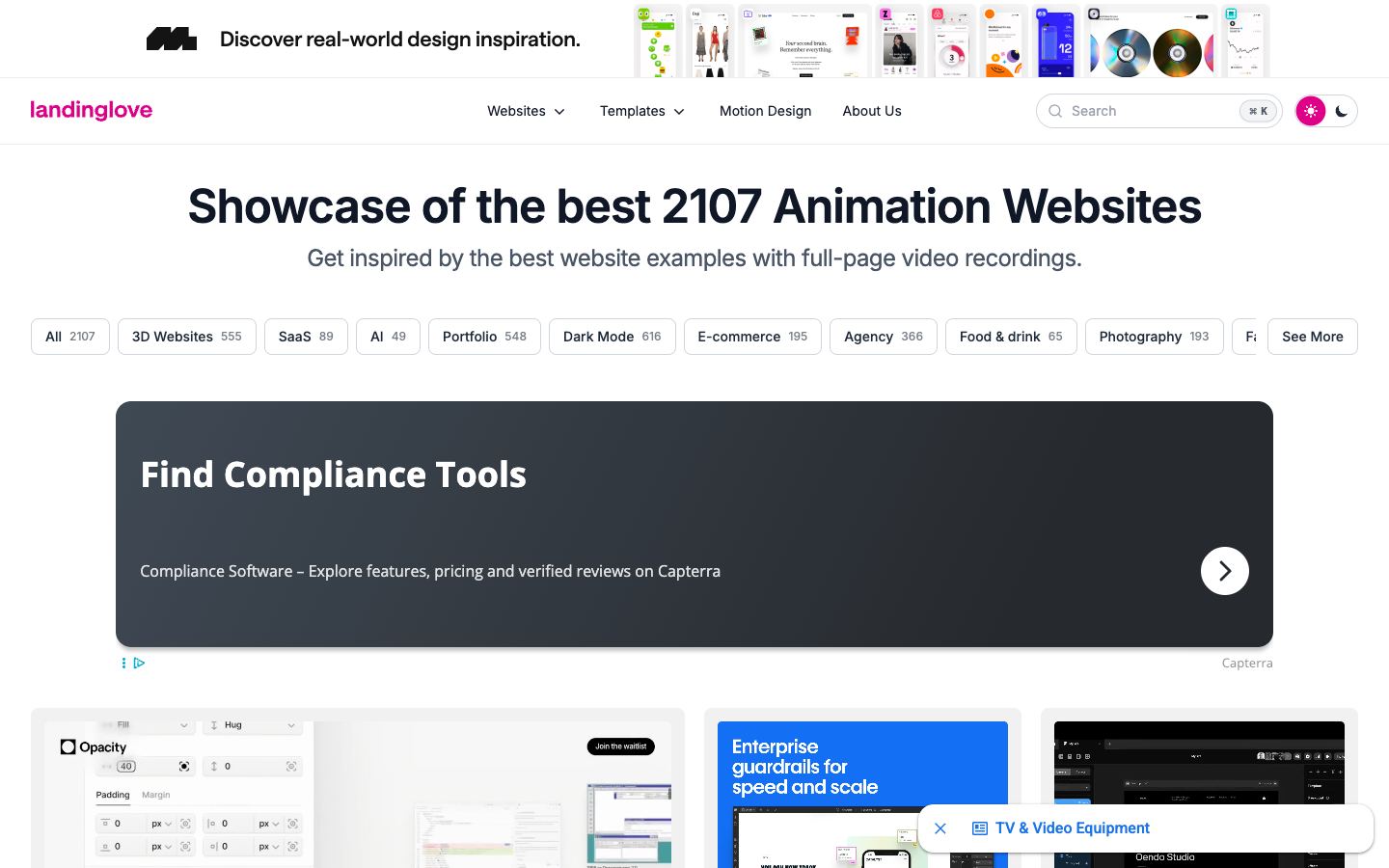
Landing Love (landing.love) — thousands of landing pages recorded as full-page video, filterable by GSAP, WebGL, Three.js. Video matters: motion is the part a static screenshot lies about.
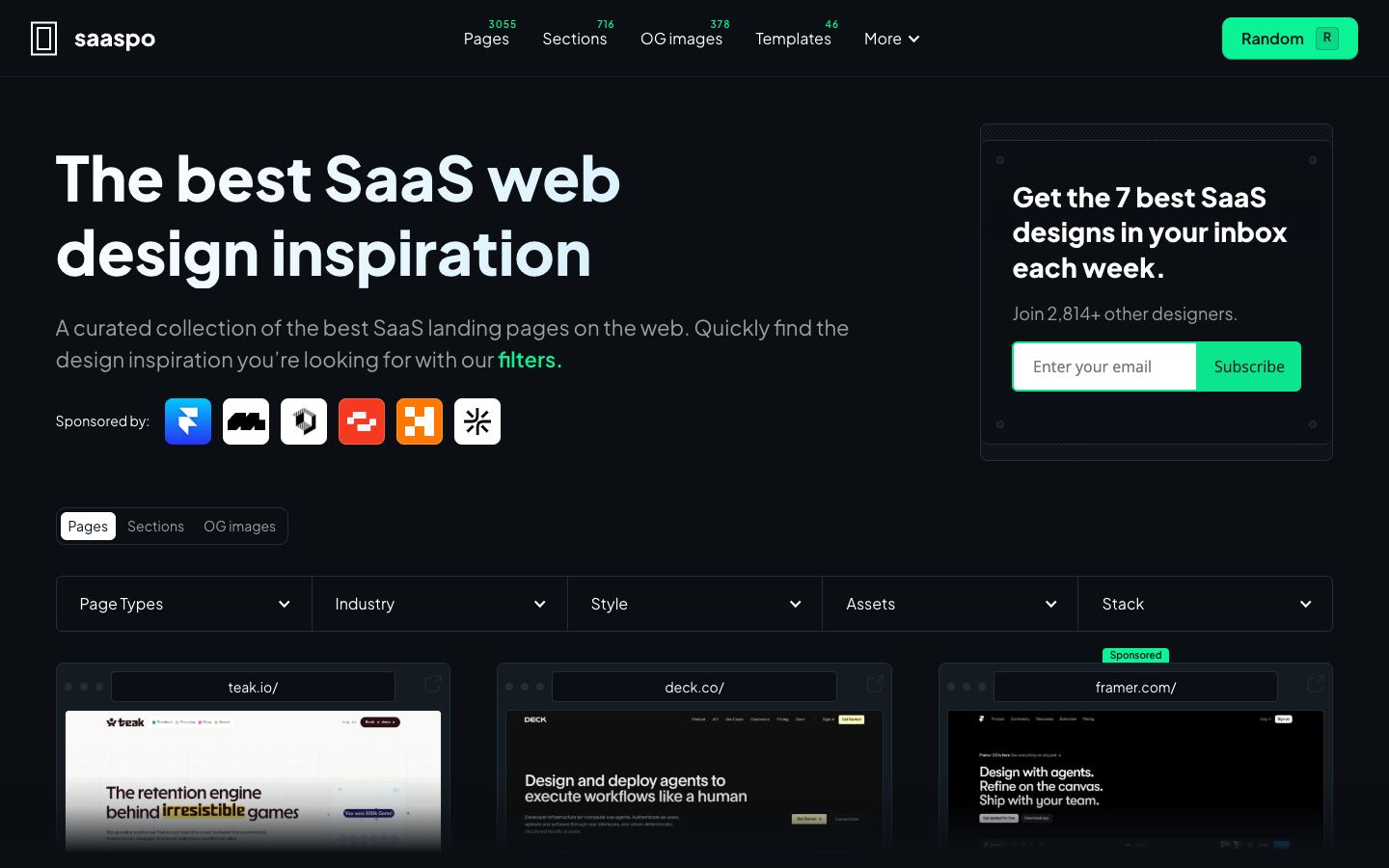
Saaspo (saaspo.com) — SaaS web design, filterable by page type. When a client needs a pricing page, I study ten great pricing pages, not ten great homepages.
Single-block galleries
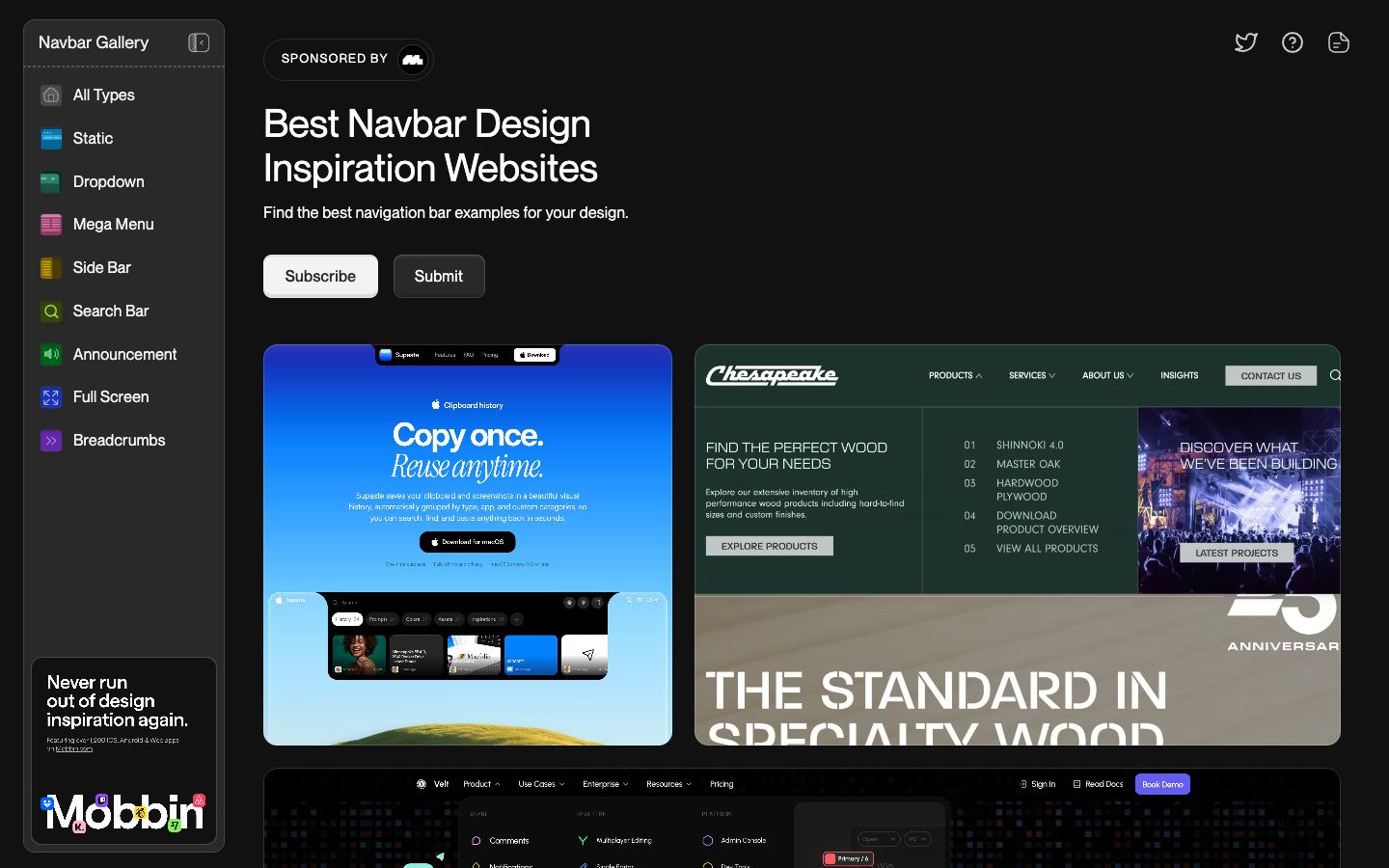
Navbar Gallery (navbar.gallery) — only navigation: sticky bars, mega menus, sidebars. Perfect scope for the block every site needs and most sites botch.
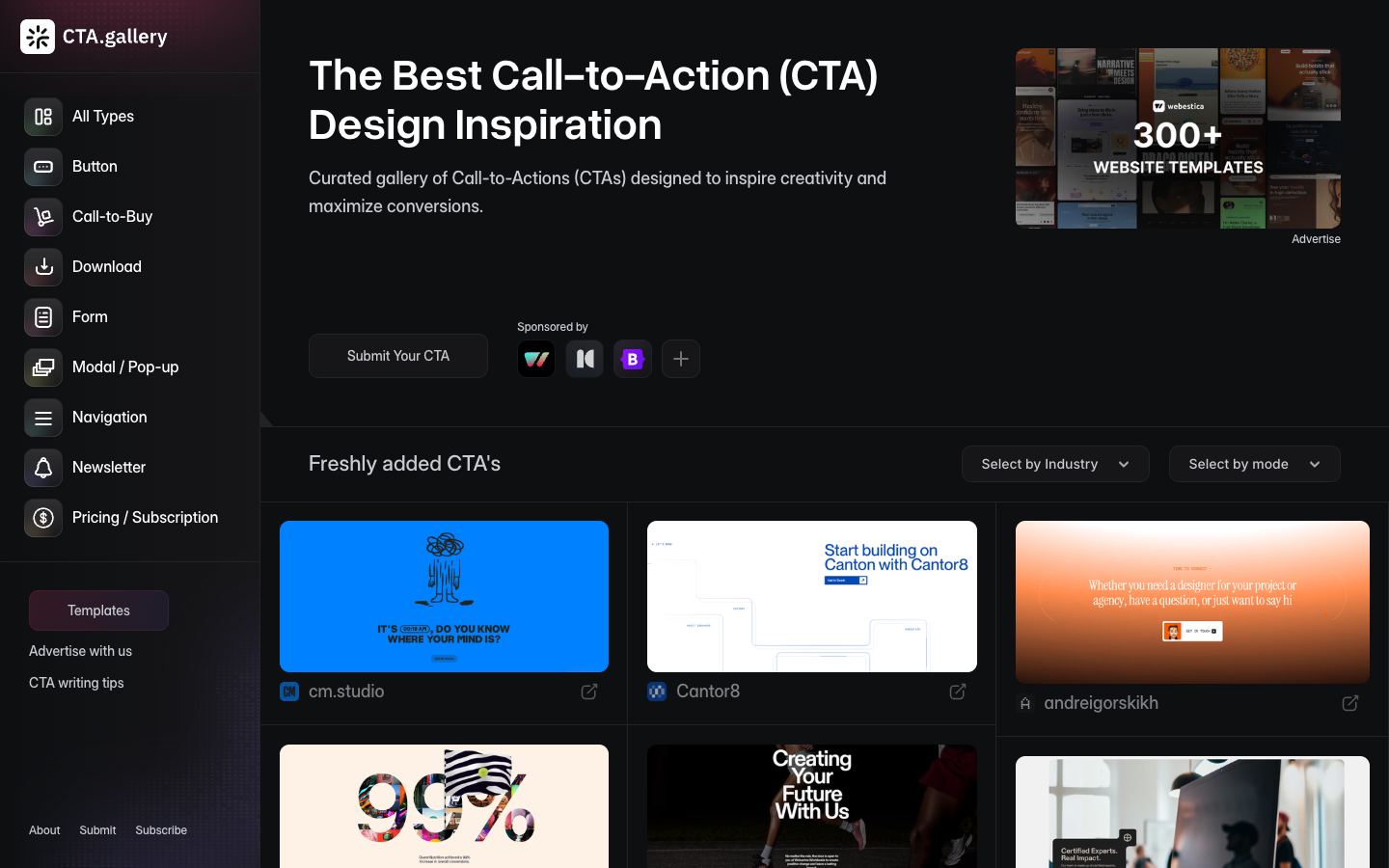
CTA Gallery (cta.gallery) — calls to action, signup blocks, and newsletter boxes by industry. The last block visitors see before deciding — worth its own reference library.
Motion and detail
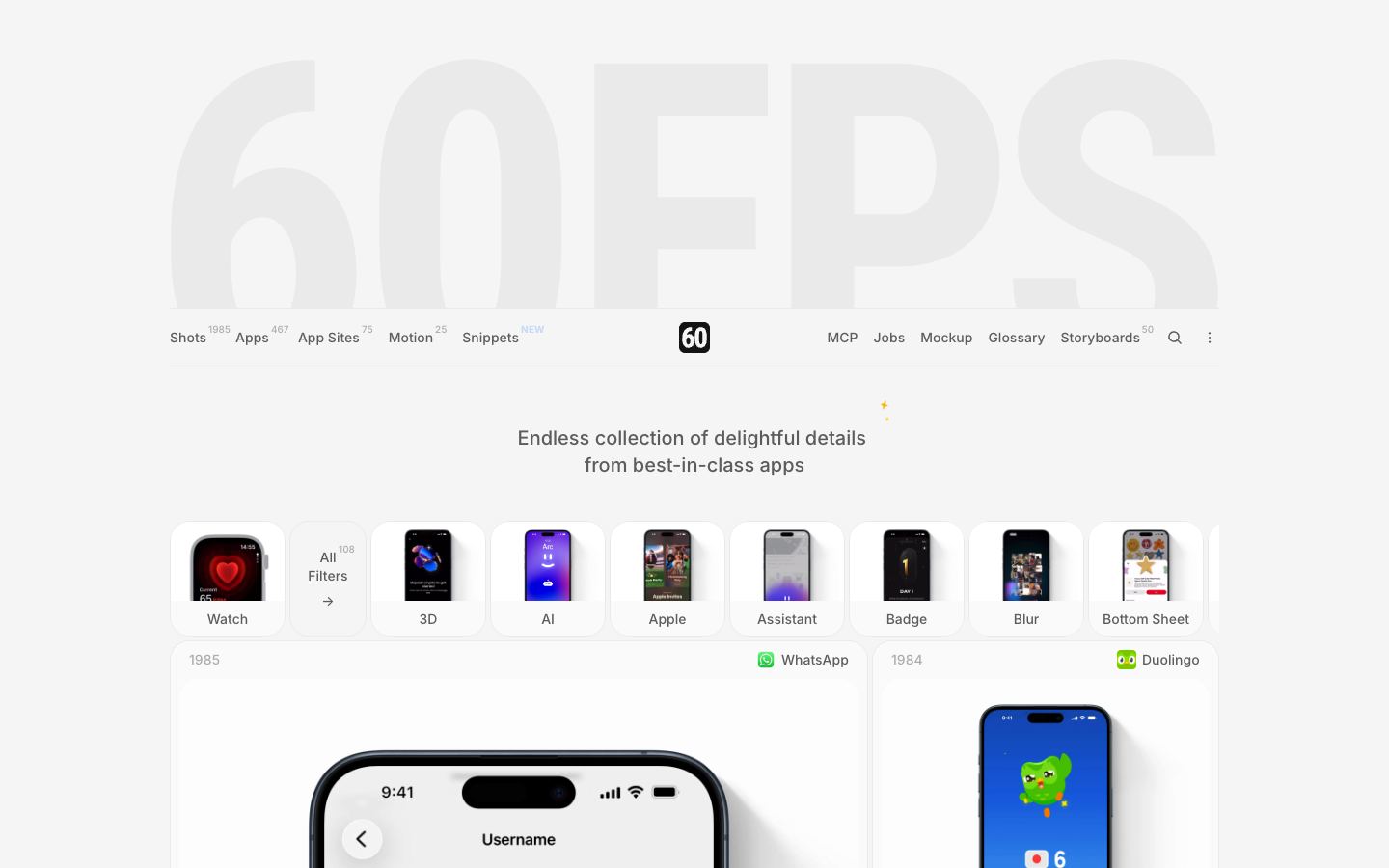
60fps.design (60fps.design) — a feed of interface motion worth copying the timing from: durations, easings, choreography.
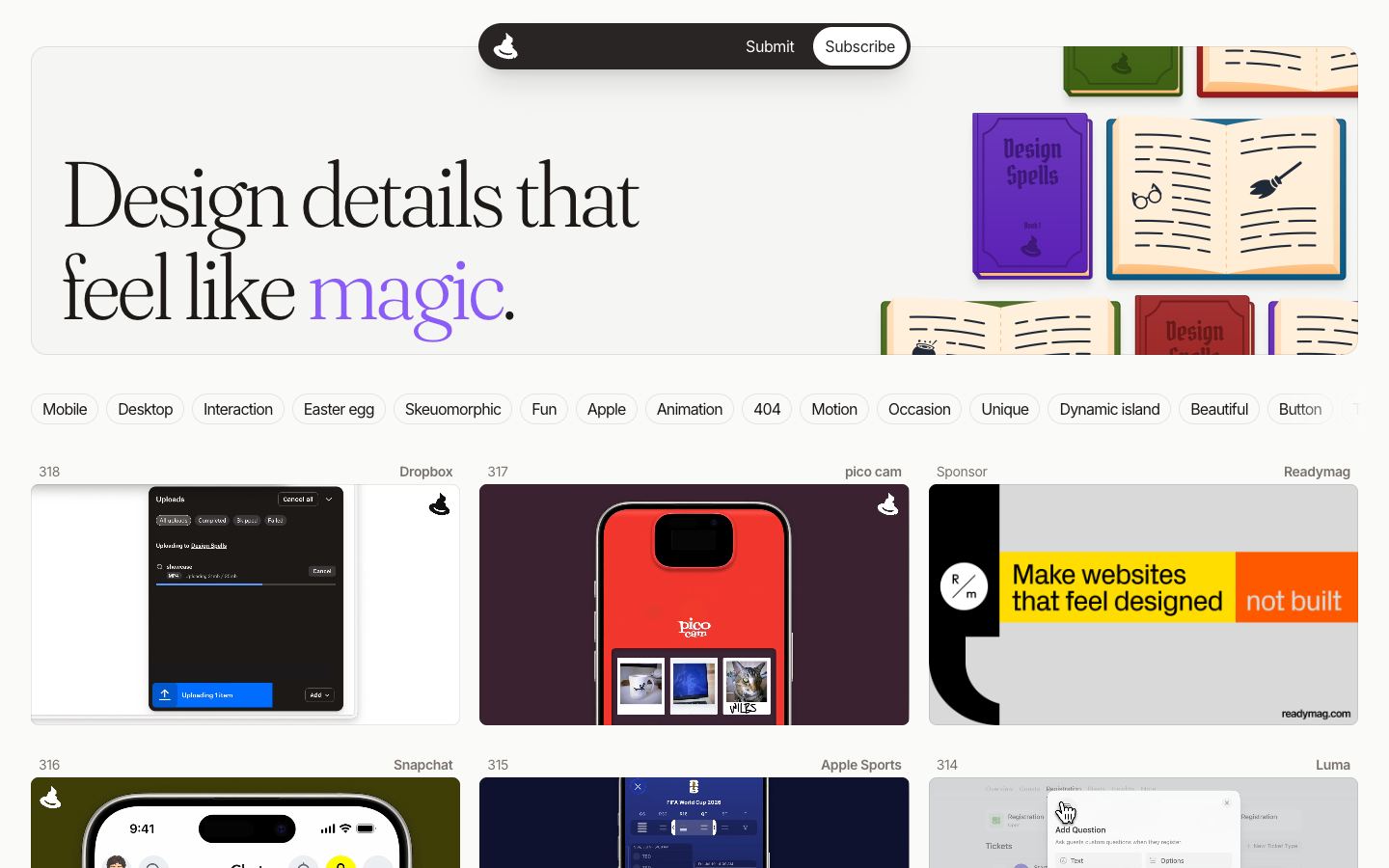
Design Spells (designspells.com) — single delightful details, each with the why: easter eggs, transitions, empty states. The place to find the one touch that makes an interface memorable.
Real product UI
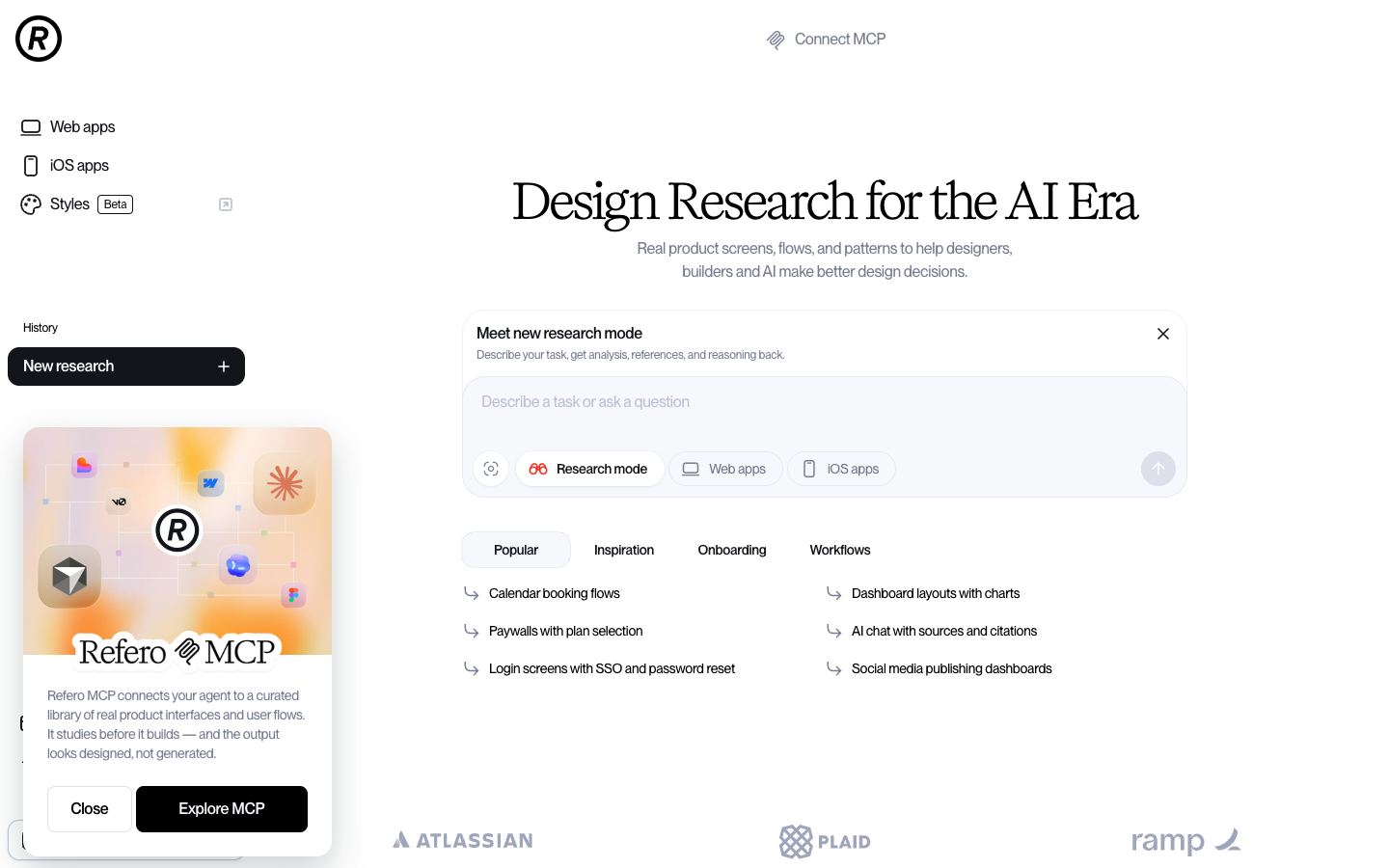
Refero (refero.design) — screens from real shipped products, filterable by page type, flow, and UX pattern. Marketing galleries show what wins awards; Refero shows what users actually live in — settings pages, onboarding, billing.
How to use a list like this
- Go in with one question — a navbar, a pricing table, an empty state. Browsing without a question is entertainment.
- Collect three examples, then write down in one sentence what they share. That sentence is the transferable principle; the screenshots were only evidence.
- Close the tab before building. Working with a reference open turns inspiration into copying, and copied design always fits the original's content better than yours.
For icons, fonts, photos, and 3D assets, the companion guide on free design assets covers the license-checked sources.
Get the next guide by email
One short email when a new guide ships. No noise, no spam, unsubscribe anytime.